Staff
Staff & rotas
Who works when, who is off, who approves whose leave, and what each person is owed in commission — with staff seeing their own day and nothing else.
Used daily by · Managers and the people they roster
What Staff does
A groomer opens Fretso and sees today's dogs, their shifts, their leave and their own commission. Not your takings, not what anyone else earns, not clinical notes they have no business reading. You see the lot.
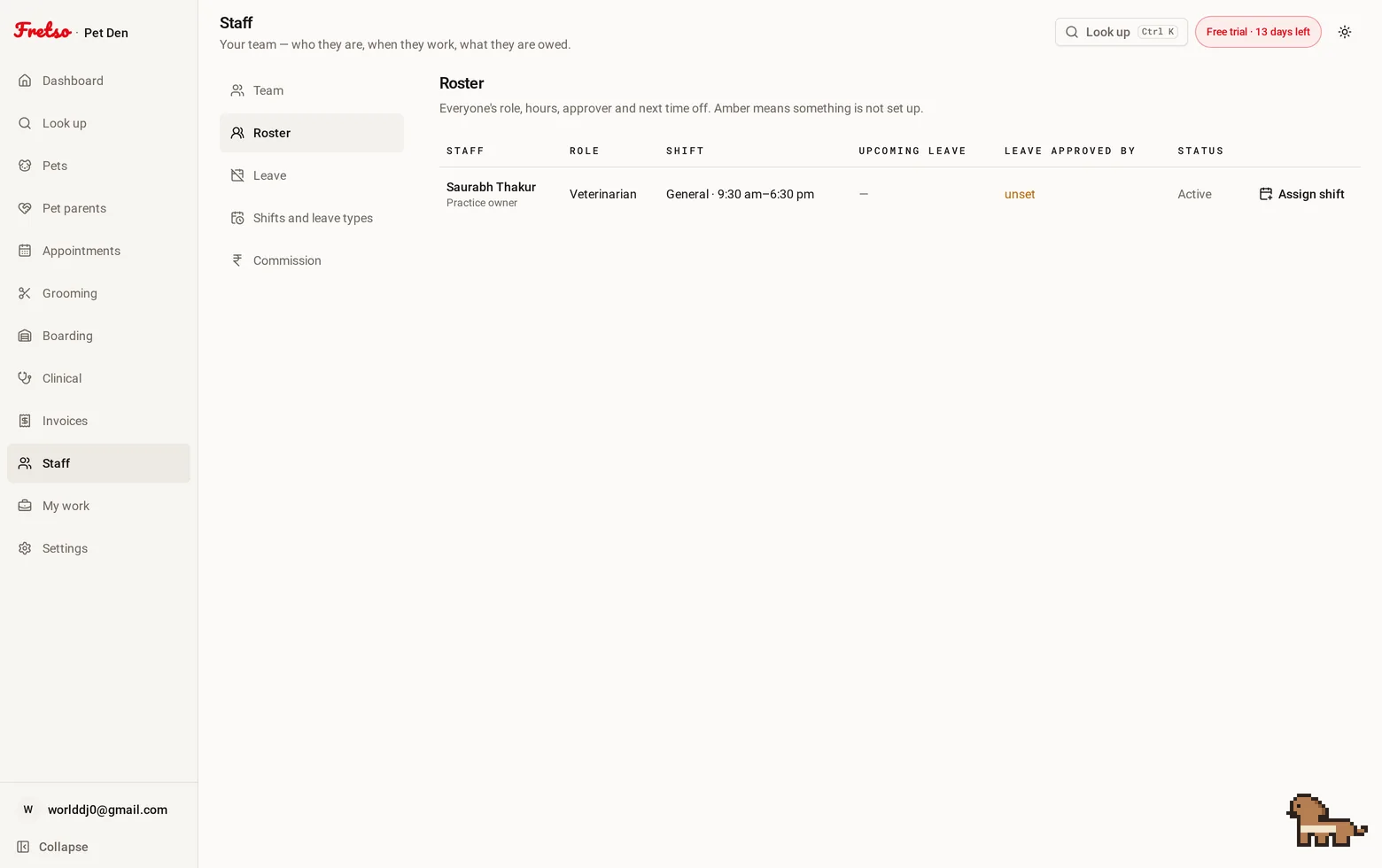
A real screen from Fretso
Capabilities
Inside Staff
01
Shifts, and who is actually in
Shift patterns, assignments over a date range, and a strip showing who is on today. Bookings only offer people who are working.
02
Leave with a real approver
Set who approves for whom. Requests go to that person, the decision goes back by email, and the roster updates.
03
Entitlements you control
How many days of each type each person gets, set from the screen instead of hard-coded. Balances take pending requests into account.
04
Commission that follows the money
By role or by person, on grooming and boarding, based on what was actually invoiced. It reverses if the invoice is voided.
05
Their day, and only theirs
My Work shows one person their shifts, their leave, their jobs and their earnings. The dashboard hides the money from anyone who is not an owner, admin or manager.
The flow
How a day runs in Staff
- 01
Set your shift patterns and put people on them
- 02
Say who approves leave for whom
- 03
Staff request time off; approvers decide; both get told
- 04
Work gets done and commission accrues against the invoice
- 05
Payday is a report
Guides on this
How to stop double booking a groomer
A shared calendar will happily book two dogs onto the same groomer at 11am. Here is why, and what stops it.
Grooming salon owners and managers · 8 min read
How to pay groomers: commission models that don't cause arguments
Three pay models, what each one does to behaviour, and the record-keeping that ends the month-end argument.
Salon owners · 7 min read
Works with
Look up
One search box that takes a pet's name, the owner's name, a phone number, a microchip or any reference — and puts that animal's whole history on one screen.
Appointments
One diary for grooming, boarding, daycare and the vet room, with reminders that go out on their own and a calendar invite the customer can actually add.
Grooming
A board of who is in, who is on the table and who is ready, with prices that already know the breed, photos on the file, and commission that adds itself up.
Next step
Want to see Staff on your own workflow?
Twenty minutes on the real software, walked through the way you actually work. No slide deck, and nobody chases you afterwards.