Emails
Emails & reminders
Every message the business sends, in your words, with a switch for each one and hours you choose — booking confirmations, reminders, ready-for-collection, boosters, invoices and receipts.
Used daily by · Owners and managers
What Emails does
Software that emails your customers without you knowing exactly what it says is a liability. So every message is a template you can open and rewrite, every message has an on switch, and nothing goes out before or after the hours you set.
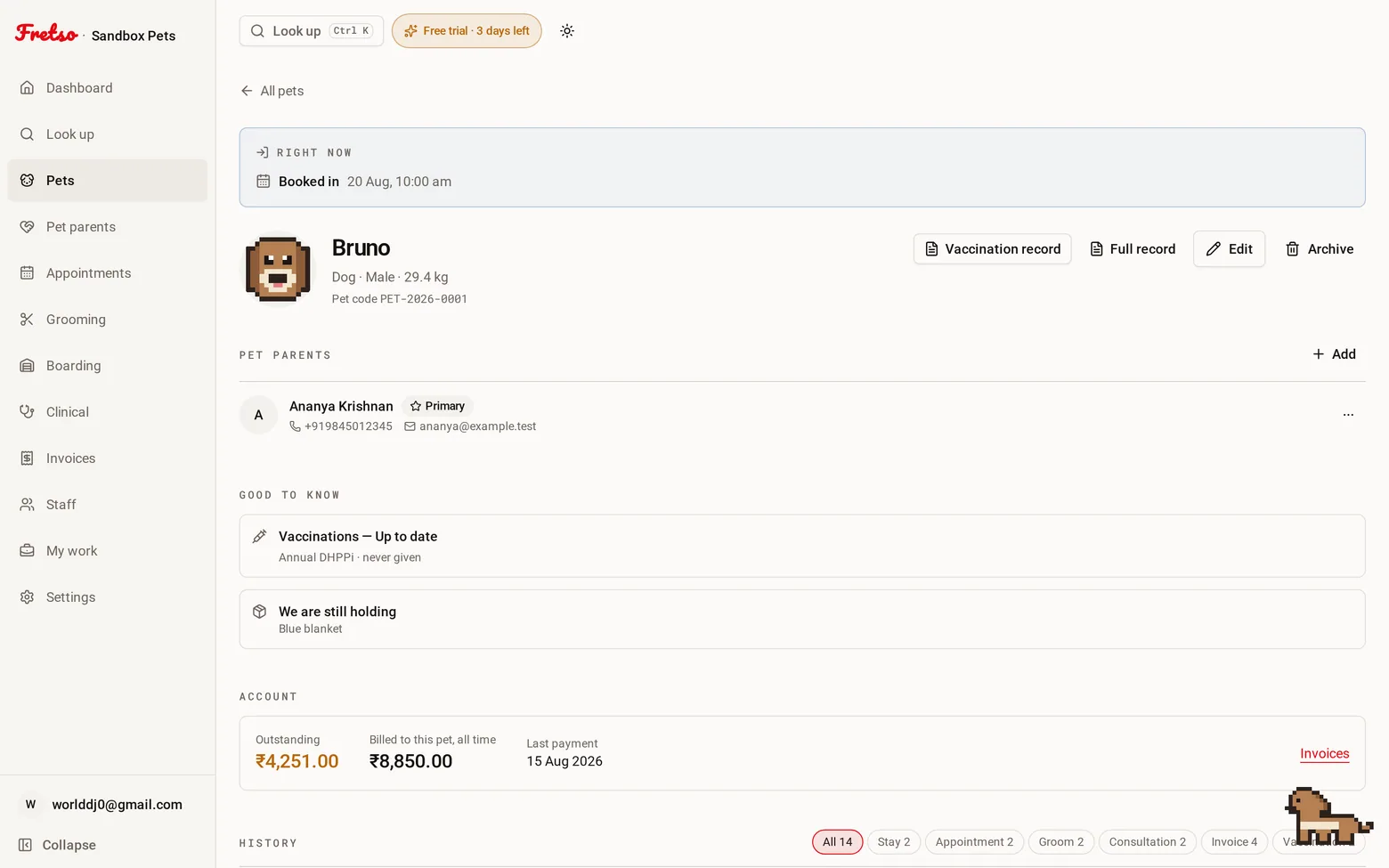
A real screen from Fretso
Capabilities
Inside Emails
01
Your words, not ours
Open any message and rewrite it. Plain text with a few placeholders — nobody should have to know HTML to change “Hi” to “Hello”.
02
A switch per message
Booking confirmed, reminder, moved, cancelled, groom ready, boarding ready, booster due, birthday, leave decision, invoice, payment received. On or off, one at a time.
03
The dog’s birthday, remembered
If you record a date of birth, the pets with a birthday coming up show on the pet list, and a birthday email can go out on the morning. Off until you turn it on, because not every business wants to send one.
04
Never at six in the morning
Set the earliest and latest hour, in your timezone. Anything that would land outside waits until the window opens.
05
Calendar invites that work
Confirmations carry a real .ics file and a Google Calendar link, so the appointment lands in their phone instead of their inbox.
06
Cancel, and the reminder stops
Cancel a booking and the nudge that was queued for tomorrow is withdrawn. The cancellation notice still goes.
07
Sent from your business
Your name, your reply-to. The customer answers you, not a no-reply address at a company they have never heard of.
The flow
How a day runs in Emails
- 01
Pick which messages you want to send
- 02
Rewrite the ones whose wording matters to you
- 03
Set the hours nothing may be sent outside
- 04
Send yourself a test
- 05
Get on with your day
Guides on this
A vaccination policy for boarding kennels, and how to actually enforce it
The policy is the easy part. Enforcing it at 7am on a Friday when the owner is late for a flight is the hard part.
Boarding kennels, daycares, pet resorts · 8 min read
Vaccination records and recalls: the revenue most pet businesses ignore
The vaccination due-date list is the most valuable marketing asset a pet business owns, and almost nobody uses it.
Clinics, kennels and multi-service businesses · 8 min read
The hidden cost of no-shows in grooming salons and vet clinics
Put a number on the empty slot, then fix it with deposits, reminder timing and a rebooking habit.
Salon owners, clinic managers · 8 min read
Works with
Look up
One search box that takes a pet's name, the owner's name, a phone number, a microchip or any reference — and puts that animal's whole history on one screen.
Appointments
One diary for grooming, boarding, daycare and the vet room, with reminders that go out on their own and a calendar invite the customer can actually add.
Grooming
A board of who is in, who is on the table and who is ready, with prices that already know the breed, photos on the file, and commission that adds itself up.
Next step
Want to see Emails on your own workflow?
Twenty minutes on the real software, walked through the way you actually work. No slide deck, and nobody chases you afterwards.