Setup
Setup & control
Your business details, your team, your permissions, and a record of who opened which pet file — set up once, in an afternoon.
Used daily by · Owners and admins
What Setup does
Every business is a separate world in Fretso. Not by convention — the database itself refuses to hand one business's data to another, on every single query. That is the part you cannot see and the part that matters most.
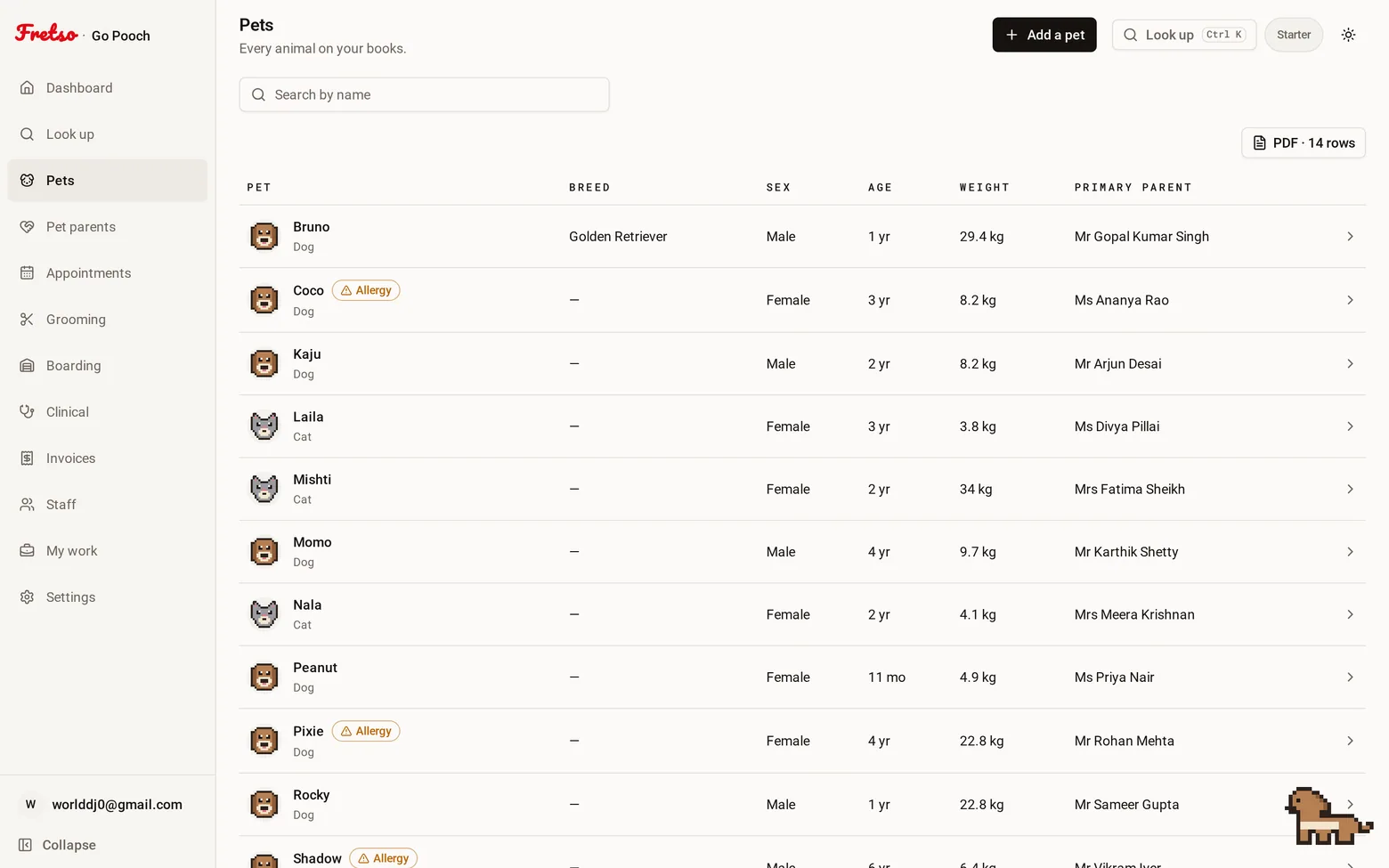
A real screen from Fretso
Capabilities
Inside Setup
01
Roles that mean something
Owner, admin, manager, staff, read-only. What each can see is enforced by the database, not hidden by the screen. Turning off a button is not security.
02
Your business on the paperwork
Name, address, GSTIN, phone, logo, currency and timezone. It lands on your invoices and in your emails.
03
Who opened which file
A pet record is medical history and a customer’s contact details. Every time one is opened it is noted — who, when, and what they searched for. Owners and admins can read it. Nobody, including you, can edit it.
04
Works on the phone in your hand
Every screen is built for a phone first. Buttons big enough to hit with a lead in your other hand, photos straight from the camera, tables that become cards.
05
Leaving, and changing your mind
Close the business from settings and it stops billing at the end of the period you have paid for. Nothing is deleted for thirty days — sign back in and reopen it, and everything is where you left it. Export your invoices first; we will remind you to.
06
A companion, if you want one
A small pixel animal in the corner of the screen on a desktop. Choose the dog, the cat, the rabbit, the bird, or switch it off. It is not important. It is quite nice.
The flow
How a day runs in Setup
- 01
Put in your business details
- 02
Invite your team and give each of them a role
- 03
Set your hours, your services, your prices, your kennels
- 04
Choose which emails go out
- 05
Start taking bookings
Guides on this
Getting a pet business off spreadsheets without losing a month
What to migrate, what to deliberately abandon, and the order that keeps you trading while you switch.
Owners switching systems · 9 min read
GST billing for pet shops in India: the complete guide
HSN codes, invoice format, registration thresholds, filing dates, composition scheme and input tax credit, for pet shops, salons and clinics.
Indian pet retailers, salons and clinics · 14 min read
Works with
Look up
One search box that takes a pet's name, the owner's name, a phone number, a microchip or any reference — and puts that animal's whole history on one screen.
Appointments
One diary for grooming, boarding, daycare and the vet room, with reminders that go out on their own and a calendar invite the customer can actually add.
Grooming
A board of who is in, who is on the table and who is ready, with prices that already know the breed, photos on the file, and commission that adds itself up.
Next step
Want to see Setup on your own workflow?
Twenty minutes on the real software, walked through the way you actually work. No slide deck, and nobody chases you afterwards.